Bringing Bakaláři to My Calendar
In my school, we use a system called Bakaláři. It manages our grades and timetables, but the app is kind of slow and annoying to open every time I just want to see my next class.
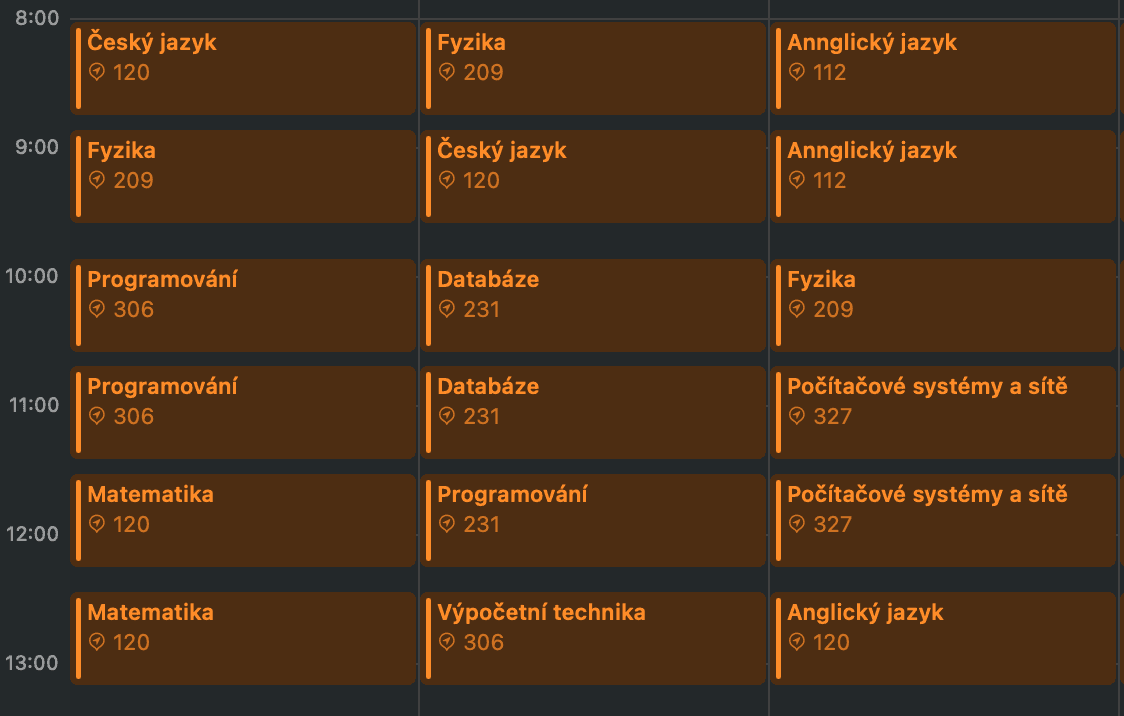
I wanted my school schedule to show up directly in my Apple Calendar next to my other plans. Since I use Apple devices, having everything in one native app is much better. To fix this, I built a simple API in Go that grabs the timetable and turns it into an iCal link that I can subscribe to.
Why Go?
I chose Go mainly because I really like using it. It’s fast and uses very little memory, though for a small project like this, performance isn’t actually the most important thing. I just find it simple to work with, especially when making web requests or handling JSON data.
How it works
The app acts as a bridge. When my iPhone or PC asks for a calendar update, the Go server:
- Logs into Bakaláři using their mobile API.
- Gets the latest timetable data for configured time period.
- Converts everything into a calendar format.
- Sends the file back so the calendar can display it.
Getting the login part right
My goal at the start was to keep the app stateless, with no storage or database, so that anyone could use it without me having to set anything up for them. The tricky part was getting the login credentials to the server safely while keeping it that way, and it took me a few tries before I was happy with it.
My first attempt was to just put the username and password straight in the URL. That kept everything stateless, but it also meant that anyone who saw the link could read my password in plain text, which was obviously a bad idea. After that I tried encrypting the credentials before adding them to the URL. It felt safer at first, until I realised that if the encryption key ever leaked, the credentials were still sitting right there in the URL waiting to be decrypted. In the end I decided that being fully stateless without any storage wasn’t worth the risk. Now the server keeps a small config file that maps a token to the real login details, so the only thing I put in the URL is the token. The sensitive information never leaves the backend, and I can still let other people use it by adding their credentials to the config.
The Technical Bits
Bakaláři API
Bakaláři doesn’t have an official public API for developers. The API I’m using is actually meant for the Bakaláři mobile app. Fortunately, there is a community-driven GitHub repository that explains how this mobile API works. Using that, I was able to use the same endpoints to log in and pull all my timetable data into my own application.
Time and Dates
Bakaláři doesn’t give me proper timestamps. It just says a lesson starts at 08:00. I had to write a bit of code to take that text and combine it with the right date so it shows up at the correct time in my calendar.
Using a Library
To create the actual calendar file (.ics), I used a library called arran4/golang-ical. I didn’t want to implement the whole calendar format from scratch myself, and this library handles all the complicated formatting rules for me so the file works perfectly on Apple Calendar.
Conclusion
This was a fun project that actually makes my life easier. I don’t have to open the Bakaláři app anymore, my classes are just right there on my lock screen or in my calendar. It also taught me a lot about Go, and about not being careless with people’s login data.